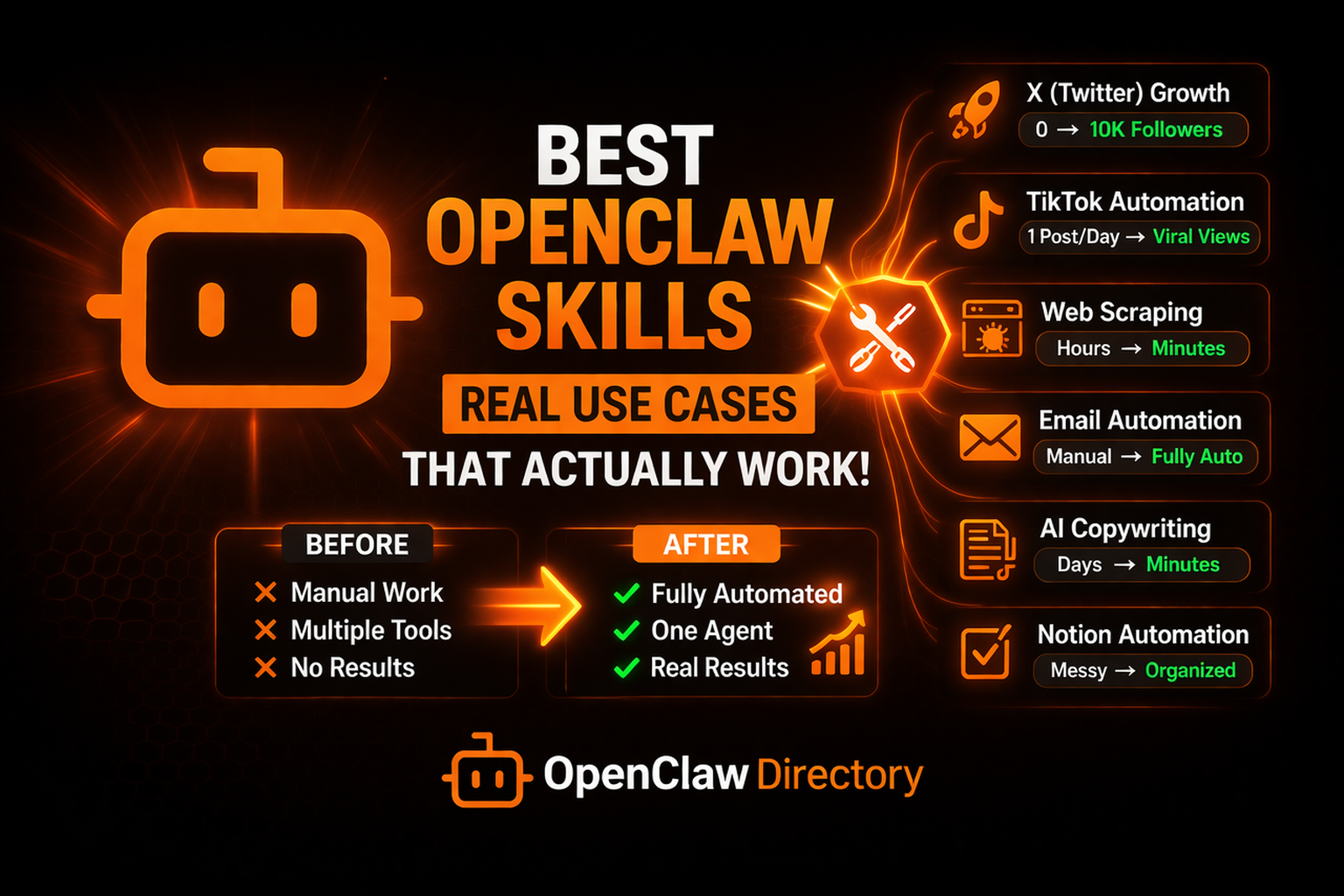
Best OpenClaw Skills (Real Use Cases That Actually Work)
Most “best OpenClaw skills” lists are useless.
They throw random tools at you without showing:
- what they actually do
- how they perform in real workflows
- whether they save time or make money
This guide is different.
You will see real use cases, real outcomes, and before vs after transformations so you can actually decide what skills are worth installing.
If you want to explore more tools after this, check the full OpenClaw skills directory.
What Makes an OpenClaw Skill Actually “Good”?
A good skill does one of three things:
- Saves time (automation)
- Saves money (replaces SaaS)
- Makes money (growth or revenue workflows)
Anything else is noise.
1. X (Twitter) Growth Automation Skill
Use Case
- Grow your X account
- Analyze performance
- Generate content automatically
Before (Without Skill)
- Manually writing tweets
- Guessing what works
- Using multiple tools (Typefully, Tweet Hunter, analytics dashboards)
After (With Skill)
- Automated content generation
- Built-in analytics dashboard
- Optimized posting times
Result
- Faster content production
- Data-driven growth
- Replaces multiple SaaS tools
This is exactly the kind of workflow enabled by platforms like LarryBrain. If you want a full breakdown, read the LarryBrain review.
2. TikTok Marketing Automation Skill
Use Case
- Create viral TikTok content
- Automate posting
- Test hooks and formats
Before
- Manual video creation
- No structured testing
- Inconsistent posting
After
- AI-generated slideshows
- Automated hook testing
- Consistent content pipeline
Real Outcome
- Hundreds of thousands of views possible
- Rapid iteration on winning formats
- Reduced workload dramatically
3. Web Scraping + Data Extraction Skill
Use Case
- Extract data from websites
- Monitor competitors
- Build datasets automatically
Before
- Manual copy-paste
- Using separate scraping tools
- Messy data
After
- Structured data extraction (JSON, CSV)
- Automated workflows
- Clean datasets ready for analysis
Result
- Saves hours per week
- Enables scalable research workflows
4. Email Automation Skill
Use Case
- Manage inbox
- Send replies
- Automate follow-ups
Before
- Manually checking emails
- Writing repetitive responses
- Missing opportunities
After
- AI reads and categorizes emails
- Suggests or sends replies
- Automates communication
Result
- Faster response times
- Reduced manual work
- Better consistency
5. Content + Copywriting Skill
Use Case
- Write landing pages
- Generate marketing copy
- Improve messaging
Before
- Slow writing process
- Hiring copywriters
- Inconsistent quality
After
- Instant high-quality copy
- Structured frameworks
- Repeatable outputs
Result
- Faster launches
- Lower cost
- Better conversion potential
6. Notion / Workspace Automation Skill
Use Case
- Manage tasks
- Update databases
- Organize workflows
Before
- Manual updates
- Scattered information
- Time wasted switching tools
After
- AI updates tasks automatically
- Queries databases
- Keeps everything organized
Result
- Centralized workflow
- Less friction
- Improved productivity
7. Ad Blocking + Security Skill
Use Case
- Block ads and trackers
- Improve privacy
- Secure network
Before
- Ads everywhere
- Tracking scripts
- Multiple tools needed
After
- Network-wide blocking
- Cleaner browsing
- Improved security
Result
- Better performance
- Cleaner experience
- Less risk
8. Multi-Workflow Automation (Stacking Skills)
This is where OpenClaw becomes powerful.
Example Workflow
- Scrape trending topics
- Generate content
- Post on X and TikTok
- Analyze performance
Before
- 4–6 tools
- Manual coordination
- High cost
After
- One agent
- Fully automated workflow
- Minimal cost
Why Most People Fail With OpenClaw Skills
It is not the skills.
It is how they use them.
Common mistakes:
- Installing too many skills
- No clear workflow
- Poor prompt design
- Ignoring token usage
If you are running automation, you should also understand cost optimization by reading OpenClaw token usage explained.
How to Choose the Right Skills
Use this simple filter:
1. Does it replace a paid tool?
If yes → high value
2. Does it automate a repeat task?
If yes → time savings
3. Does it generate traffic or revenue?
If yes → priority
The Bigger Shift (Why This Matters)
OpenClaw skills are changing how software works.
Instead of:
- paying for 10 tools
- switching between platforms
You now:
- install skills
- run everything locally
- control your workflows
This is why marketplaces like LarryBrain are growing fast.
My Final Thoughts
The best OpenClaw skills are not the most popular ones.
They are the ones that:
- remove friction
- replace tools
- create leverage
Start small:
- pick 1–2 workflows
- automate them fully
- measure results
Then scale.
And when you are ready, explore more inside the
OpenClaw skills directory
That is where you will find what actually works.