What Is an AI Agent Trigger in OpenClaw?
Automation is powerful.
But automation without triggers does nothing.
An AI Agent Trigger in OpenClaw is the event that tells your agent when to act.
It defines when, why, and under what conditions an OpenClaw agent should execute a task.
Without triggers, OpenClaw waits.
With triggers, OpenClaw works automatically.
If you are new to how OpenClaw works overall, start here first: OpenClaw Beginner’s Guide
What Is an AI Agent Trigger?
An AI Agent Trigger is a rule or event that activates an OpenClaw workflow.
It can be:
- A new email received
- A webhook call
- A scheduled time
- A file upload
- A message in a channel
- A change in database data
- A system alert
When the trigger condition is met, OpenClaw executes the assigned agent workflow.
Think of it as:
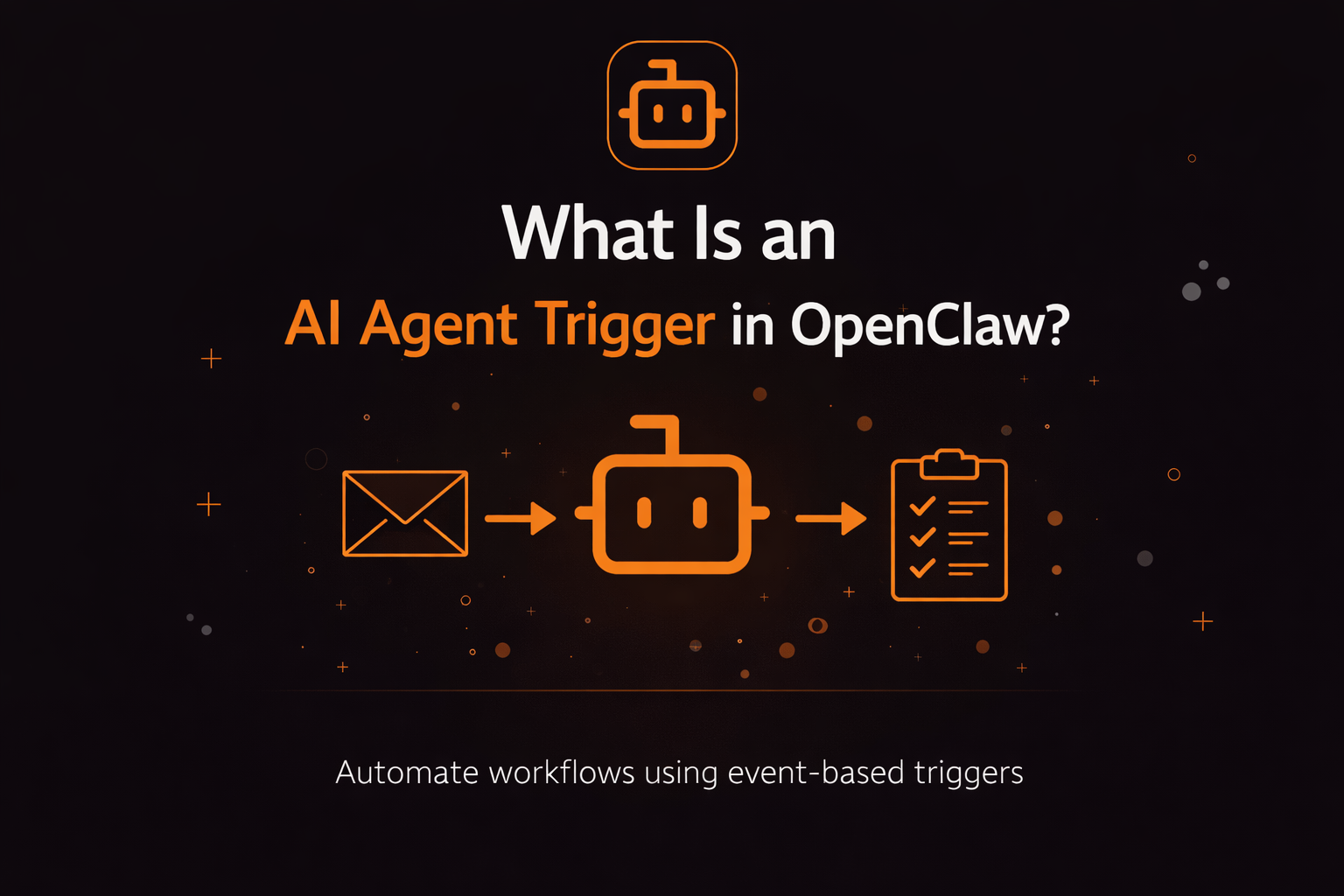
Event → Trigger → Agent → Action
Example:
New support email → Trigger fires → Agent analyzes → Draft reply generated
Why Triggers Matter in OpenClaw
OpenClaw is designed for:
- Task automation
- Multi-step workflows
- API orchestration
- Business process automation
Triggers are what transform OpenClaw from a chatbot into a system.
Without triggers, you must manually initiate every task.
With triggers, OpenClaw runs continuously in the background.
This becomes essential when:
- Running 24/7 automations
- Managing client workflows
- Monitoring systems
- Scaling AI operations
If you are building production systems, you should also understand infrastructure reliability: Best OpenClaw Hosting (Managed vs DIY Compared) Best VPS for OpenClaw
Types of AI Agent Triggers in OpenClaw
There are several common trigger categories.
1. Time-Based Triggers
These execute at scheduled intervals.
Examples:
- Every hour
- Daily at 9 AM
- Weekly summary reports
- Monthly cost analysis
Use case:
A founder sets a daily trigger to generate a business metrics summary.
2. Event-Based Triggers
These fire when something happens.
Examples:
- New email received
- Payment processed
- Form submitted
- New support ticket
Use case:
When a new customer signs up, OpenClaw creates onboarding tasks automatically.
3. Webhook Triggers
These activate when an external system sends a request to OpenClaw.
Examples:
- Stripe webhook
- CRM update
- GitHub push
- Zapier event
This is common in SaaS workflows and advanced automation pipelines.
4. Manual Triggers
These are initiated by a user action.
Examples:
- Clicking a dashboard button
- Sending a command
- Running a script
This is useful for controlled automation tasks.
How AI Agent Triggers Work Internally
At a high level:
- Trigger condition is detected
- OpenClaw verifies permissions
- Agent receives structured instructions
- AI API processes request
- Tool calls execute
- Result is returned or stored
Behind the scenes, this relies on:
- Gateway stability
- Hosting reliability
- API configuration
- Token management
If you experience issues such as:
gateway connect failedpairing required
You may need to troubleshoot your connection: Gateway Connect Pairing Required – Complete Fix
Triggers and Token Usage
Triggers can increase token usage if not configured properly.
Common mistakes:
- Trigger firing too frequently
- Running heavy models for lightweight events
- Reprocessing the same data repeatedly
- Long context being passed every time
To optimize costs, read: How to Reduce OpenClaw Token Usage by 40% Best AI API for OpenClaw
Efficient trigger design reduces API costs significantly.
Real-World Example: AI Agent Trigger Workflow
Example: Automated Support Response
Trigger: New support email received
Process:
- Extract issue summary
- Classify category
- Draft structured reply
- Log conversation
Outcome: Support team receives draft response within seconds.
Without triggers, this requires manual effort.
With triggers, it runs automatically.
Triggers in Multi-Agent Systems
In advanced setups, triggers can activate multiple agents.
Example:
New product launch detected
- Marketing agent drafts announcement
- Social agent prepares posts
- Analytics agent monitors performance
This is where triggers become orchestration layers.
If you are scaling beyond simple workflows, consider centralized monitoring: What Is an OpenClaw Command Centre?
A command centre helps track which triggers fired and which workflows executed.
Common Problems With AI Agent Triggers
1. Trigger Loops
A trigger activates an agent that modifies data, which activates the trigger again.
Solution: Add conditions or safeguards.
2. Over-Frequent Scheduling
Running every minute instead of every hour.
Solution: Align trigger frequency with real business needs.
3. Poor Model Allocation
Using high-cost models for small triggered tasks.
Solution: Use hybrid API strategy: Claude vs Gemini vs OpenAI: Which AI API Is Best for OpenClaw?
When Should You Use AI Agent Triggers?
Use triggers when:
- You want automation without manual action
- You run recurring workflows
- You monitor systems
- You process inbound data
- You scale AI agents across teams
Avoid triggers when:
- Tasks require human validation
- Workflow is experimental
- Infrastructure is unstable
My Final Thoughts
An AI Agent Trigger is the foundation of automation inside OpenClaw.
It defines:
- When agents act
- What activates workflows
- How systems scale
Triggers turn OpenClaw from a reactive assistant into a proactive automation engine.
If you combine:
- Proper hosting
- Stable gateway configuration
- Smart model selection
- Efficient token usage
- Centralized monitoring
You can build fully autonomous AI workflows that run reliably and cost-effectively.
That is where OpenClaw becomes powerful.