What Is an OpenClaw Command Centre?
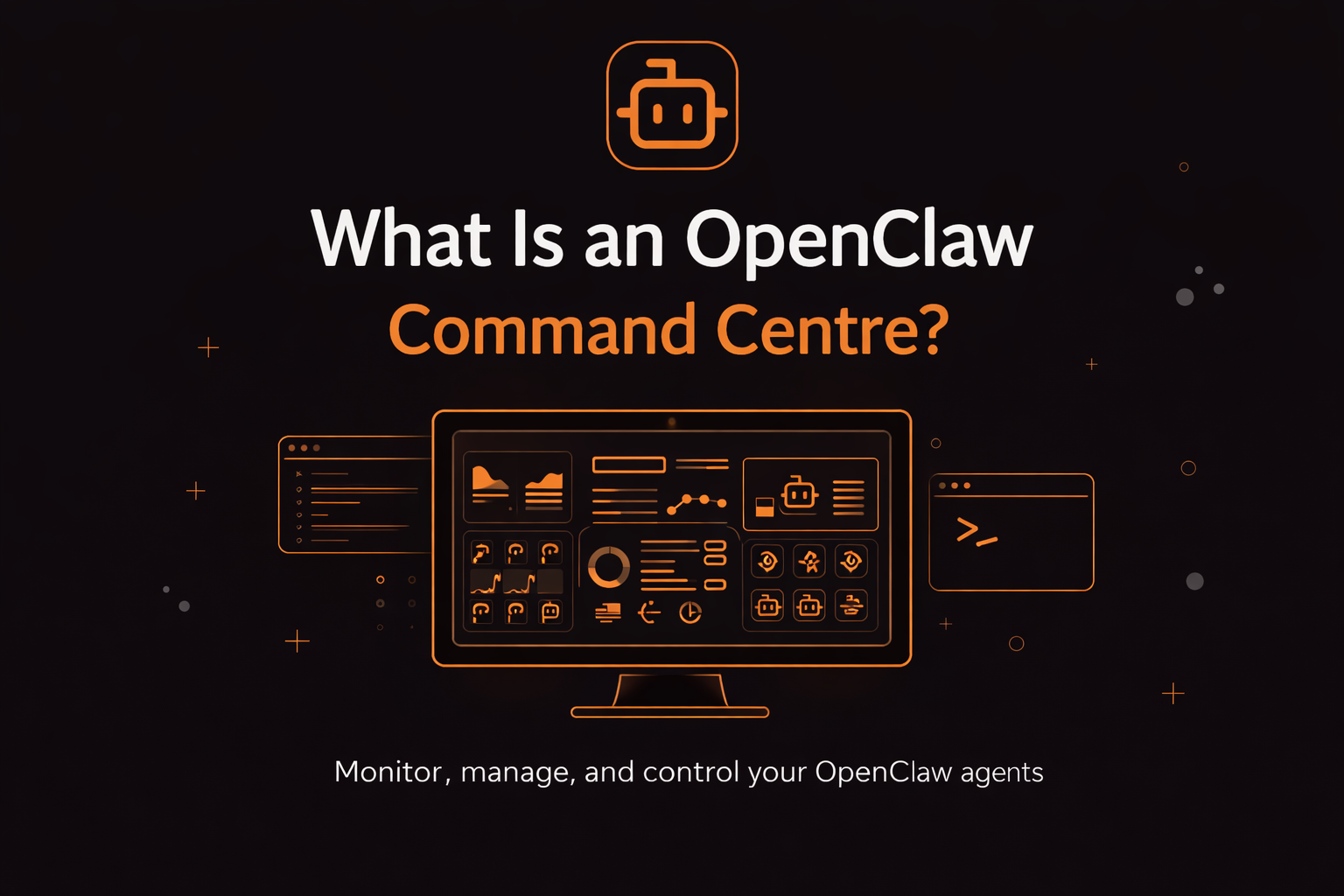
As OpenClaw setups grow more complex, one thing becomes clear:
You cannot manage everything from the terminal.
That is where an OpenClaw Command Centre comes in.
A Command Centre is a centralized dashboard or control layer that allows you to monitor, manage, and control your OpenClaw agents, workflows, gateway connections, and system performance in real time.
Instead of jumping between:
- SSH sessions
- VPS logs
- API dashboards
- WebSocket debug outputs
- Deployment scripts
A Command Centre gives you operational visibility in one place.
If you are new to OpenClaw, start with the
OpenClaw Beginner’s Guide
to understand the full system architecture first.
Why OpenClaw Needs a Command Centre
OpenClaw is not just a chatbot.
It runs:
- AI agents
- Automation triggers
- Gateway connections
- Multi-step workflows
- External integrations
- Memory and token-heavy operations
As you scale, you start asking:
- Which agent is running?
- Why did this workflow fail?
- Why did token usage spike?
- Is the gateway stable?
- Which node is disconnected?
Without a command centre, answering those questions means manually checking logs and restarting services.
That does not scale.
What an OpenClaw Command Centre Typically Controls
A proper Command Centre helps you manage:
1. Agent Monitoring
Track which agents are active, idle, or failing.
2. Gateway Health
Monitor WebSocket connections, pairing states, and authentication status.
If you have seen errors like:
disconnected (1008): pairing requiredgateway connect failed
You already understand why visibility matters.
Full troubleshooting guide here:
Gateway Connect Pairing Required – Complete Fix
3. Hosting & Infrastructure Status
Check:
- CPU usage
- Memory usage
- Uptime
- Server responsiveness
If you are hosting on a VPS, infrastructure monitoring becomes critical.
See:
Best VPS for OpenClaw
4. Deployment Management
Some command centres integrate directly with deployers, allowing you to:
- Restart environments
- Reassign nodes
- Update configurations
- Scale instances
If you are still comparing deployment models, read:
Best OpenClaw Deployer
How to Choose the Right OpenClaw Deployer
Command Centre vs Hosting vs Deployer
These terms are often confused.
Here is the difference:
| Component | Purpose |
|---|---|
| Hosting | Where OpenClaw runs (VPS, managed server) |
| Deployer | Tool that installs and configures OpenClaw |
| Command Centre | Dashboard that monitors and controls operations |
You can have:
- DIY hosting + no command centre
- Managed hosting + built-in command centre
- VPS + third-party monitoring
- Hybrid setups
If you are still deciding between managed vs DIY hosting, see:
Best OpenClaw Hosting (Managed vs DIY Compared)
Why Command Centres Matter at Scale
When OpenClaw is used casually, manual management works.
When it is used for:
- Business automation
- Client workflows
- Agency operations
- 24/7 monitoring
- Revenue-generating systems
Manual management becomes a liability.
Common scaling issues include:
- Hidden token spikes
- Silent workflow failures
- Node desynchronization
- Gateway disconnects
- Version mismatch errors
A Command Centre reduces:
- Downtime
- Debugging time
- Infrastructure risk
- Operational stress
It allows you to treat OpenClaw like production software, not an experiment.
Command Centre and API Cost Control
OpenClaw performance is tightly connected to AI API usage.
Without monitoring, token consumption can grow unexpectedly.
To understand how API choice affects cost and performance, read:
Best AI API for OpenClaw
Claude vs Gemini vs OpenAI: Which AI API Is Best for OpenClaw?
A proper Command Centre should help you:
- Track token usage
- Monitor API response patterns
- Identify inefficient prompts
- Prevent runaway automation loops
Who Needs an OpenClaw Command Centre?
You likely need one if you:
- Run OpenClaw on a VPS
- Manage multiple agents
- Operate client workflows
- Host OpenClaw for multiple users
- Care about uptime and reliability
- Scale beyond experimentation
If you are just testing locally, you may not need one yet.
But once OpenClaw becomes business-critical, centralized monitoring is essential.
Signs You Have Outgrown Manual Management
You probably need a Command Centre if:
- You SSH into your server daily
- You manually restart services
- You scan logs to find token spikes
- You struggle to trace workflow failures
- You manage multiple environments
These are operational bottlenecks.
My Final Thoughts
An OpenClaw Command Centre is not mandatory at the beginning.
But it becomes essential as soon as:
- Workflows become complex
- Automation runs continuously
- Clients depend on uptime
- Token costs matter
- Infrastructure stability is critical
Hosting, deployers, and AI APIs determine how OpenClaw runs.
A Command Centre determines how well you control it.
If you are serious about building on OpenClaw long term, centralized monitoring and management should be part of your architecture from early on.