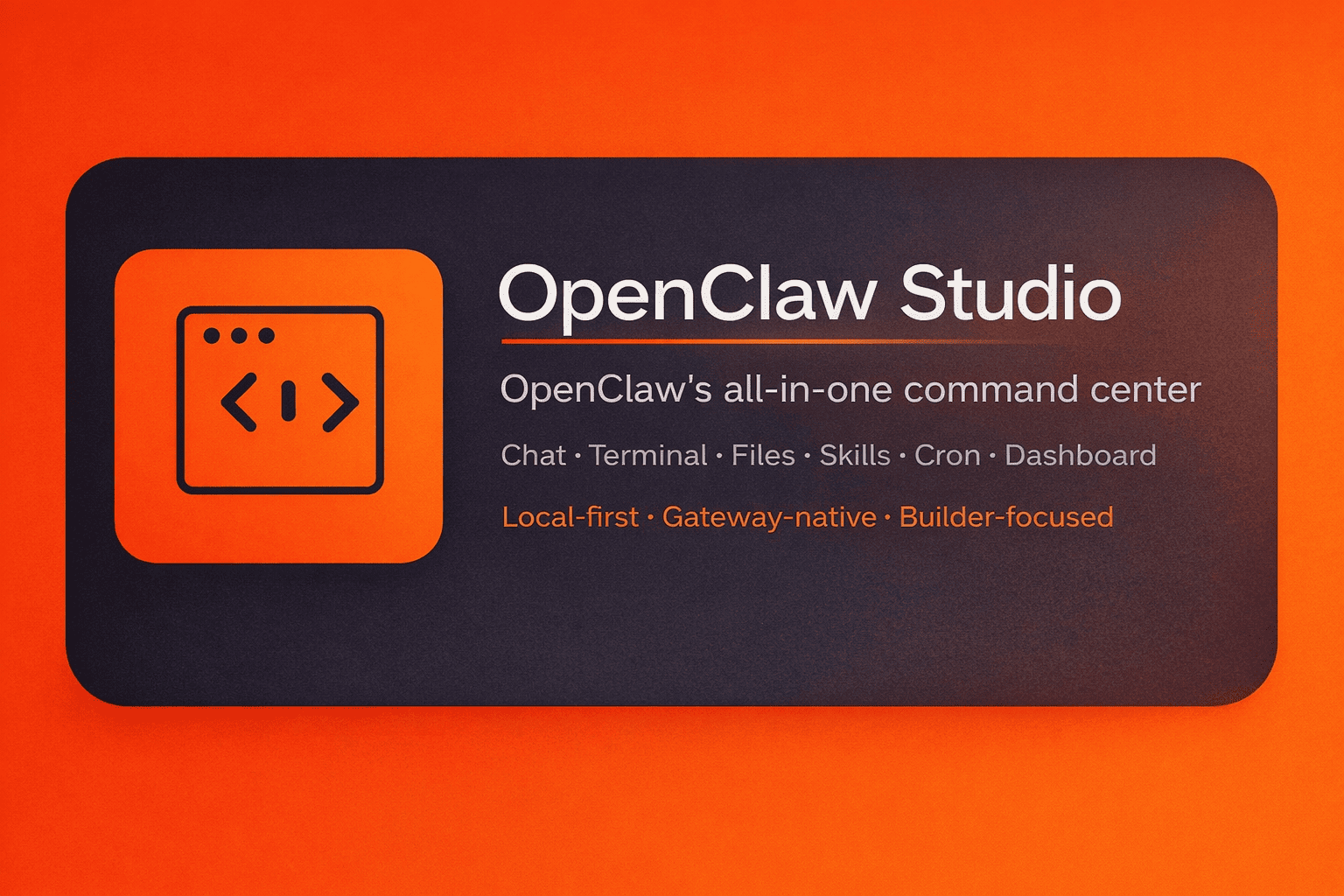
OpenClaw Command Centre
OpenClaw Command Centre tools help you monitor, manage, and control your AI assistants from a single, centralized dashboard.
Instead of switching between terminals, logs, configuration files, and messaging platforms, a command centre gives you full visibility into how your OpenClaw system is performing in real time.
These platforms are designed for founders, builders, and teams who run multiple agents, workflows, or automation pipelines and need reliable oversight.
With the right command centre, you can:
- Track agent activity and uptime
- Manage connected platforms and channels
- Monitor API usage and costs
- Review logs and error reports
- Control permissions and access
- Restart, update, or scale agents instantly
Whether you are running a personal assistant or a large automation system, a command centre becomes the operational hub of your OpenClaw setup.
Who Should Use an OpenClaw Command Centre?
This category is ideal for:
- Founders managing production AI systems
- Agencies running multiple OpenClaw clients
- Developers testing automation workflows
- Teams coordinating shared agents
- Businesses scaling AI operations
If you rely on OpenClaw for daily operations, customer support, or internal automation, a command centre is essential for stability and growth.
Key Features to Look For
When choosing a command centre for OpenClaw, focus on platforms that offer:
Centralized Dashboard
View all agents, tasks, and connections in one place.
Real-Time Monitoring
Track uptime, response times, and failures instantly.
Workflow Management
Start, pause, modify, or reroute automation flows.
Cost & Usage Tracking
Monitor token usage, API spend, and resource consumption.
Security Controls
Manage authentication, access permissions, and device approvals.
Integration Support
Connect with messaging platforms, APIs, databases, and third-party tools.
Why Command Centres Matter for OpenClaw Performance
Without a command centre, most users rely on manual troubleshooting and scattered tools.
This leads to:
- Slower debugging
- Higher downtime
- Increased costs
- Limited visibility
- Scaling problems
A proper command centre reduces operational risk and helps you run OpenClaw like a professional system, not an experiment.
How This Directory Helps
OpenClaw Directory curates and compares the best command centre tools available for OpenClaw users.
Here you can:
- Compare features
- Read real-world use cases
- Discover new management tools
- Find solutions that fit your scale
Each listing is reviewed relevancy the command centre category
Start Managing Your OpenClaw System with Confidence
Browse the tools in this category to find a command centre that matches your workflow, budget, and growth plans.
Whether you need a lightweight dashboard or an enterprise-grade control panel, this section helps you choose the right foundation for managing your AI infrastructure.

 AI Agent Teams
 AI Agent Trigger
 Boilerplate
 Command Centre
 Deployer
 Hosting
 Plugins
 Skills
 Token Optimizer